
Apply Policy Discounts
Apply policy discounts to new Chubb, Hollard (HCi), Point, QBE and Vero products bound through the ExpressCover platform
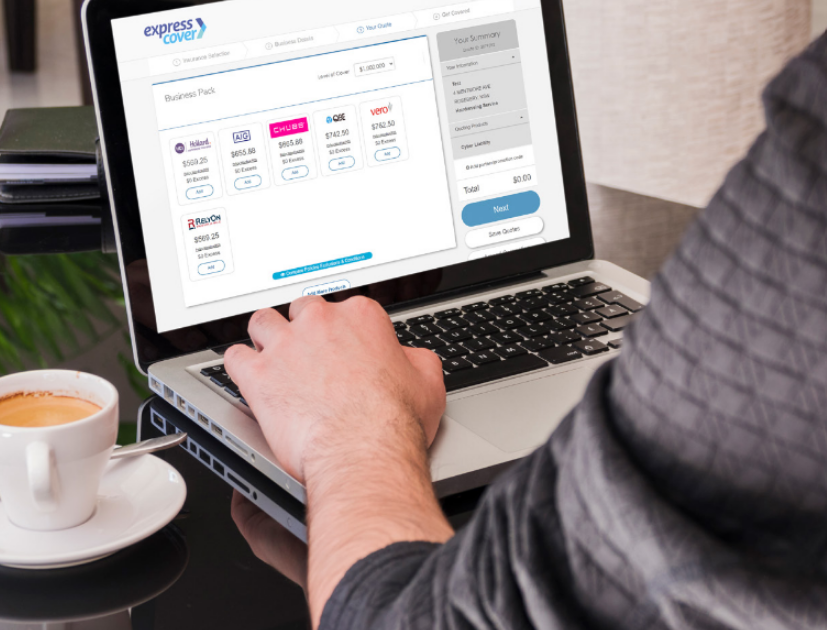
Business Pack Discount Codes
You can apply discounts to new business in percentage increments.

Enter prefix C + the discount amount.
| DISCOUNT | DISCOUNT CODE |
| 1% | C01 |
| 2% | C02 |
| 3% | C03 |
| 4% | C04 |
| 5% | C05 |

Enter prefix HCi + the discount amount.
| DISCOUNT | DISCOUNT CODE |
| 1% | HCI1 |
| 2% | HCI2 |
| 3% | HCI3 |
| 4% | HCI4 |
| 5% | HCI5 |

Enter prefix V + the discount amount.
| DISCOUNT | DISCOUNT CODE |
| 1% | V1 |
| 5% | V5 |
| 10% | V10 |
| 15% | V15 |

Enter prefix E + the discount amount (include a zero before single digit numbers).
| DISCOUNT | DISCOUNT CODE |
| 5% | E05 |
| 10% | E10 |
Personal Accident & Illness
Discount Codes

DISCOUNT CODES
You can apply discounts to new Point business in 5% increments, as agreed between your brokerage and the insurer.
Enter prefix PPA + the discount amount (include a zero before single digit numbers).
| DISCOUNT | DISCOUNT CODE |
| 5% | PPA05 |
| 10% | PPA10 |
Discounting Requirements
Discounts can only be applied to new business.
Discounting will be applied to the base premium only and subject to minimum premiums. If the discount results in a premium going below the minimum, the insurer will return the minimum premium.
How to apply a discount
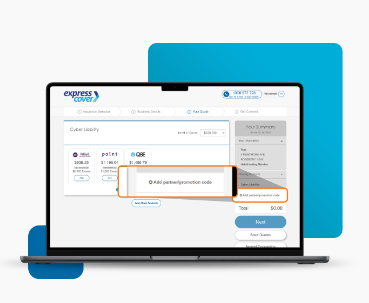
In Your Quote Screen, click the “Add partner/promotion code” in the Your Summary area. Enter your chosen discount code and the updated premium total will be shown.